
Backing up Camera Media in the Field
In today’s digital age, cameras have become an indispensable tool for capturing our most cherished memories, documenting breathtaking landscapes, and immortalizing life’s precious moments. Whether you’re a professional photographer on assignment or an enthusiastic traveler exploring the world, safeguarding your camera media is of utmost importance. In the field, you must be equipped with a reliable backup strategy to ensure that your irreplaceable photos and videos remain safe. Let’s explore the essential steps to back up camera media while on location.
Invest in Reliable Hardware:
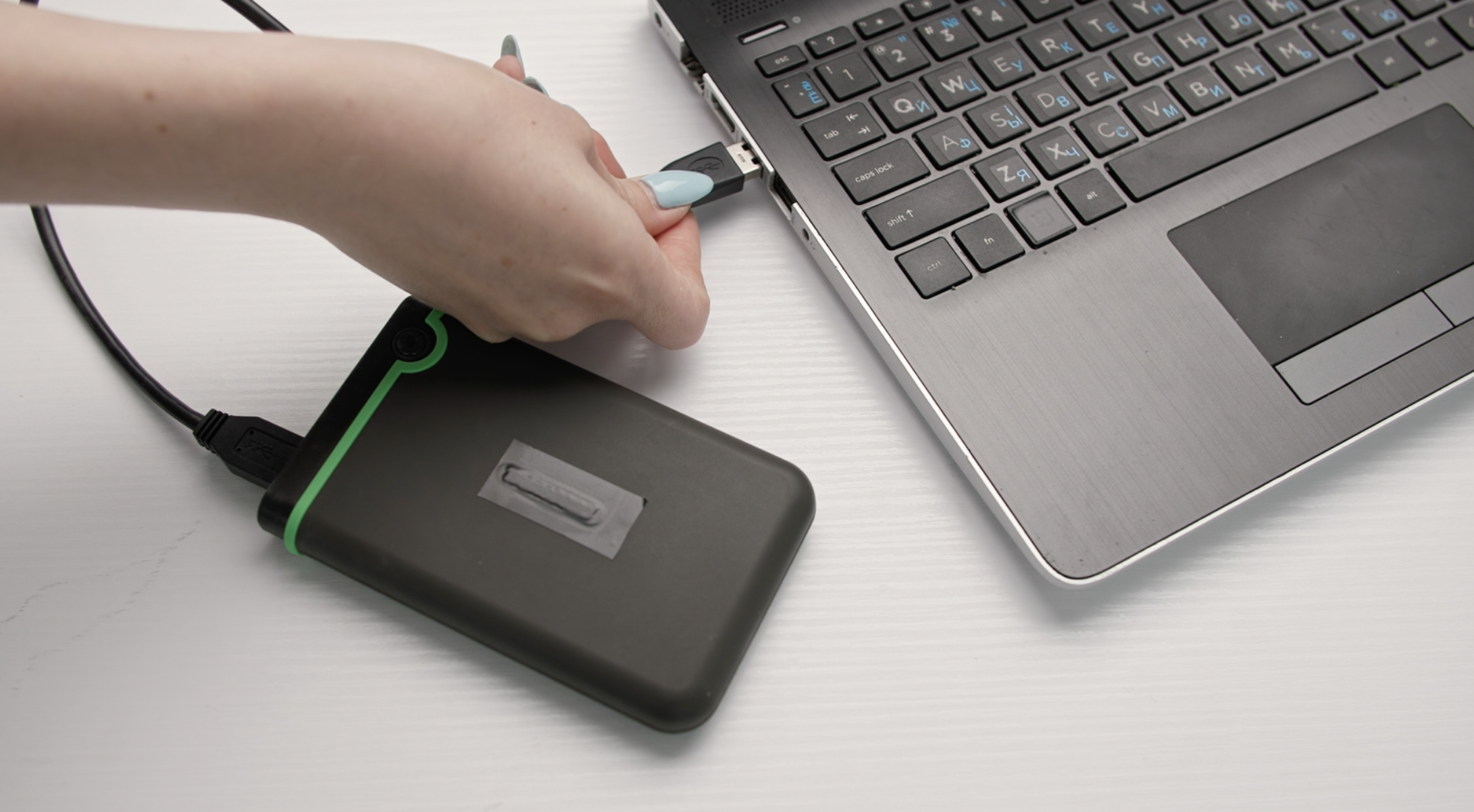
- The first step in securing your camera media is to invest in reliable hardware. A portable external hard drive or a ruggedized SSD with ample storage capacity is a must-have for photographers and videographers in the field. Look for devices that are shock-resistant and have high-speed transfer capabilities to handle large files efficiently.

Choose the Right Memory Cards:
- Selecting the appropriate memory cards is crucial for ensuring a smooth backup process. Opt for high-quality and high-capacity memory cards that can accommodate your shooting style. Remember, it’s better to have multiple smaller cards rather than a single large one; this minimizes the risk of losing all your data if a card gets corrupted.
Organize and Sort on the Go:
- Staying organized during your shoots is vital for efficient backup processes. Create a simple folder structure on your memory cards that mirrors your subject matter or shooting locations. This will save you time when transferring files to your backup devices later.

Backup in Multiple Copies:
- Adopt the 3-2-1 rule for backing up your camera media: have at least three copies stored on two different storage mediums, with one copy stored offsite. Consider creating backups on both your external hard drive and your laptop or tablet to minimize data loss risk.
Utilize Cloud Storage:
- The cloud is a game-changer for photographers in the field. Use cloud storage services like Google Drive, Dropbox, or Amazon S3 to create an additional layer of security for your camera media. Upload your best shots to the cloud when you have access to a stable internet connection.
Consider Portable Backup Devices:
- For extended field trips or locations with limited power sources, consider investing in portable backup devices. These devices often have built-in card readers, allowing you to transfer files directly from your memory cards to the backup device without a computer.

Verify and Double-Check:
- Always verify your backups to ensure that they are complete and error-free. Double-check that files have been successfully transferred and are accessible on your backup devices before formatting your memory cards for reuse.
Secure Your Gear:
- Backing up your camera media won’t matter if your equipment gets lost or stolen. Always keep a close eye on your gear and invest in secure camera bags or cases to protect your valuable equipment.
Label and Date Your Backups:
- Maintain a clear labeling system for your backups, indicating the location, date, and subject matter of the shoot. This will help you easily locate specific files when you need them later.

Develop a Routine:
- Create a routine for backing up your camera media to ensure consistency and avoid the risk of losing data due to forgetfulness or negligence. Make it a habit to back up your files every day or at the end of each shoot.
In conclusion, backing up camera media in the field is not an option; it’s a necessity. A robust backup strategy ensures that your treasured photographs and videos remain safe, even in the face of unforeseen circumstances. By investing in reliable hardware, staying organized, and following a routine, you can preserve your projects and creative work for years to come. So, before your next adventure, make sure you have a solid backup plan in place to protect your camera media and focus on capturing the perfect shot!
