
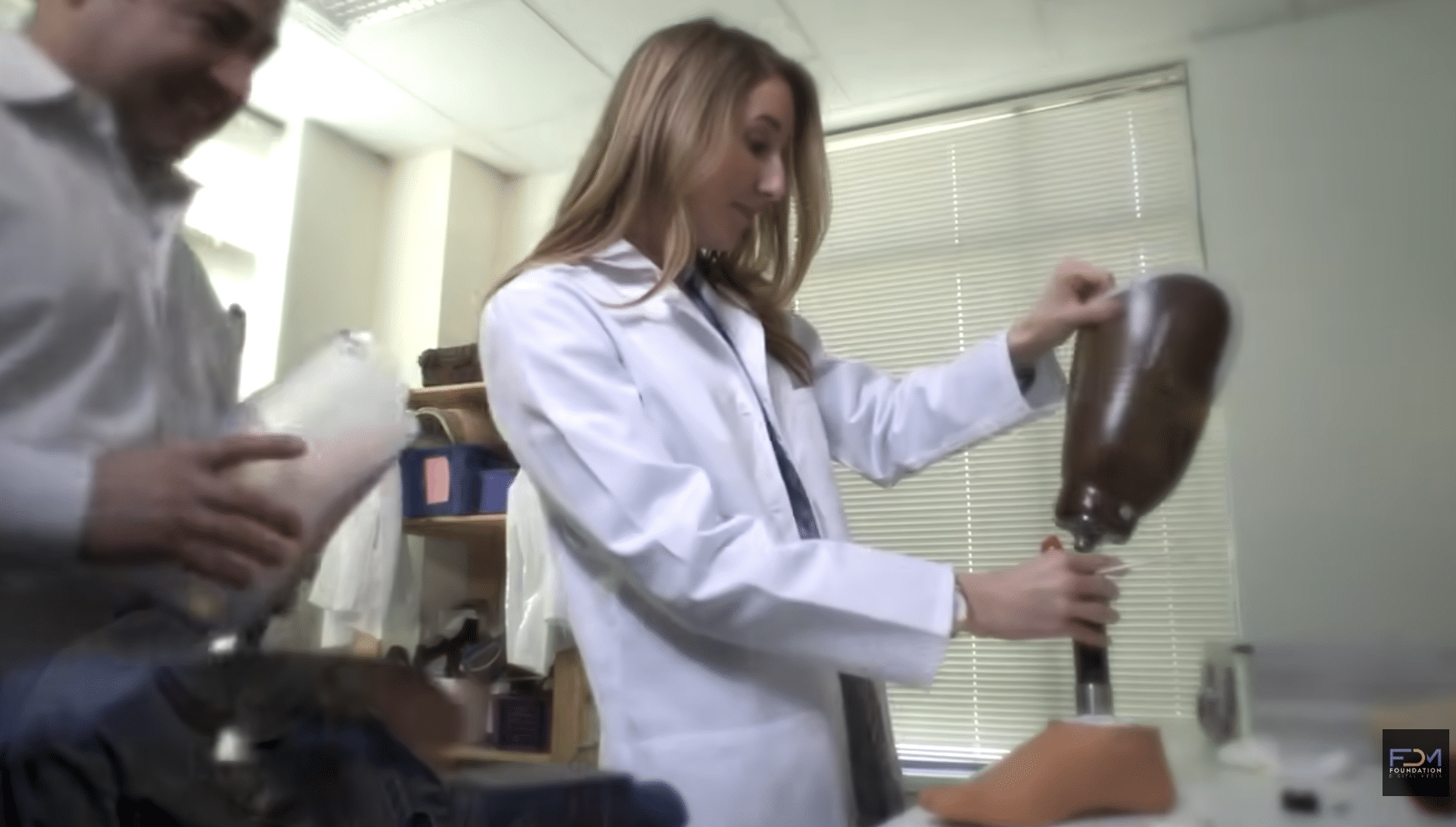
For Tampa employers, traditional in-person training often requires repeating the same instruction whenever new employees join, procedures change, or teams expand. While classroom instruction remains valuable, important information can become inconsistent when different trainers deliver the same material.
Understanding how Tampa employers can turn in-person training into a video library offers a practical way to preserve institutional knowledge, streamline employee on-boarding, and make essential instruction available on demand.
Rather than replacing hands-on learning, a structured training video library supports existing programs by giving employees a dependable reference they can revisit whenever necessary.
What Types of In-Person Training Should Employers Record?
Not every training session needs to become a video. The strongest candidates involve repeatable instruction, standardized procedures, or information that employees frequently need to reference.
For Tampa organizations, potential training video topics include:
- Employee on-boarding: Company policies, workplace expectations, organizational procedures, and introductory instruction.
- Safety training: Equipment operation, workplace hazards, emergency procedures, and safety protocols.
- Software demonstrations: Internal platforms, reporting systems, customer management tools, and digital workflows.
- Operational procedures: Step-by-step demonstrations of recurring tasks and departmental responsibilities.
- Customer service training: Communication standards, service expectations, and common workplace scenarios.
- Supervisor development: Management processes, employee evaluations, and leadership responsibilities.
Prioritizing subjects with consistent instructional requirements helps employers identify where video can provide lasting operational value.
How Can a Live Training Session Become Multiple Videos?
A two-hour classroom presentation does not necessarily translate into an effective two-hour training video.
Employees searching for instructions on a particular procedure should not have to navigate an entire presentation to locate one relevant explanation.
Instead, training content should be divided into individual learning objectives.
For example, a Tampa healthcare organization conducting staff orientation might separate a single training session into videos covering patient intake, documentation procedures, equipment handling, and workplace communication.
Each segment becomes an independent resource with a clearly defined purpose.
Shorter instructional modules also make future updates more manageable. When one procedure changes, the organization can revise that specific lesson rather than reproduce the entire training program.
Plan the Video Production Around Learning Objectives
Successful training video development begins with understanding what employees need to know and demonstrate after completing each module.
Before filming, employers should review existing presentations, training manuals, instructional materials, and recurring employee questions.
The production plan should identify:
- The intended employee audience and required knowledge.
- The specific skill or procedure being demonstrated.
- The subject matter expert responsible for instructional accuracy.
- Supporting visuals, equipment, or screen recordings.
- The expected viewing environment and delivery platform.
This preparation helps eliminate unnecessary material while preserving the information employees need to perform their responsibilities.
Capture Demonstrations That Employees Can Actually Follow
Effective training videos often require more than recording an instructor speaking to a classroom.
For procedures involving equipment, software, physical tasks, or workplace interactions, employees benefit from seeing the actual process demonstrated.
A production team can combine instructor explanations with close-up footage, screen captures, graphics, and clearly labeled steps.
Professional audio is particularly important because employees must understand instructions without struggling to hear terminology or procedural details.
Captions and supporting transcripts can further improve accessibility and provide additional reference material.
In regulated or safety-sensitive environments, designated subject matter experts should review the completed instruction before distribution.
Organize the Library for Easy Employee Access
Producing the videos is only part of the process. Employers also need a practical system for storing, locating, and distributing instructional content.
A useful training library should organize videos by department, job function, learning objective, or operational procedure.
Each module should include a descriptive title, concise summary, and clearly identified version or review date.
Employers may distribute their videos through a learning management system, internal employee portal, or other access-controlled training platform.
For organizations with multiple Tampa Bay locations, centralized access helps employees receive the same approved instruction regardless of workplace location.
Access permissions, employee privacy, and internal information security should also be considered when selecting a hosting platform.
How Should Employers Maintain Their Training Video Library?
Training procedures evolve as organizations introduce new technology, revise policies, or adjust operational requirements.
Assigning responsibility for reviewing instructional videos helps prevent outdated information from remaining in circulation.
Employers can establish scheduled content reviews and replace individual modules when necessary.
Completion records, employee assessments, and recurring support questions can also help identify training topics that need additional explanation.
The objective is to maintain a dependable instructional resource rather than accumulate videos that employees cannot easily navigate.
Make Employee Training More Consistent and Accessible
For Tampa employers, converting existing in-person instruction into a structured video library can reduce repetitive training demands while supporting consistent employee education.
The most effective approach begins with identifying repeatable lessons, organizing content into focused modules, and producing clear demonstrations that remain useful beyond the original training session.
Foundation Digital Media works with businesses and organizations to plan, film, and edit professional instructional content designed for practical workplace applications.
Our training video production services support employee education, operational demonstrations, and structured instructional programs.
Planning to convert classroom instruction into reusable training videos? Contact Foundation Digital Media to discuss a production approach tailored to your organization’s training requirements.
